Your kid marks it done. You approve. XP adds up to rewards.
Each kid gets their own Sidequest app on their own phone or iPad, and you use yours.
On Android? Join the wait list
Email support@sidequest.family to join.
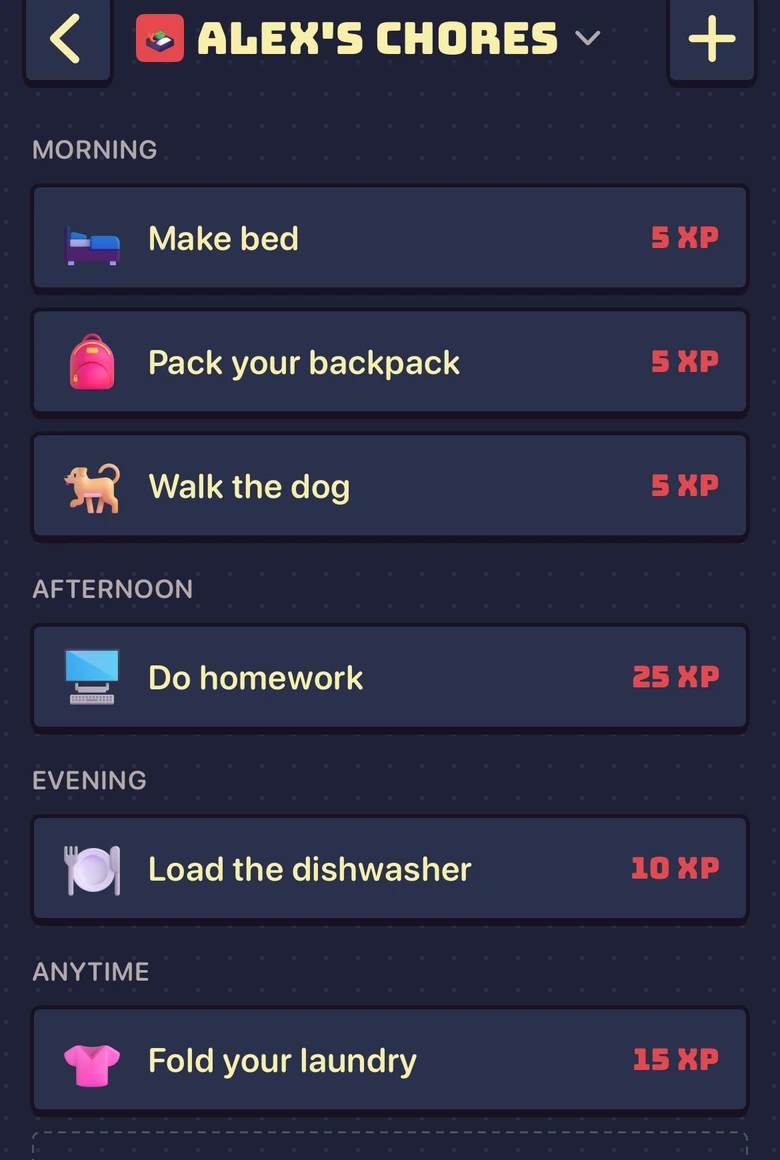
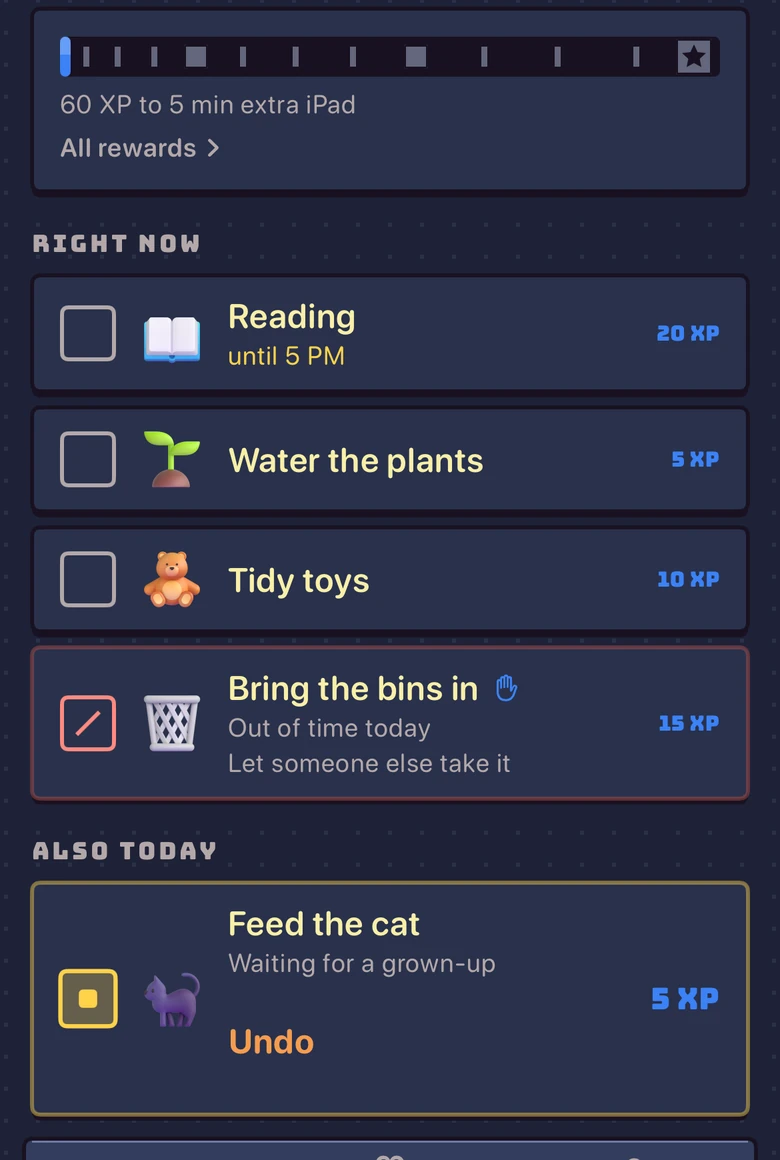
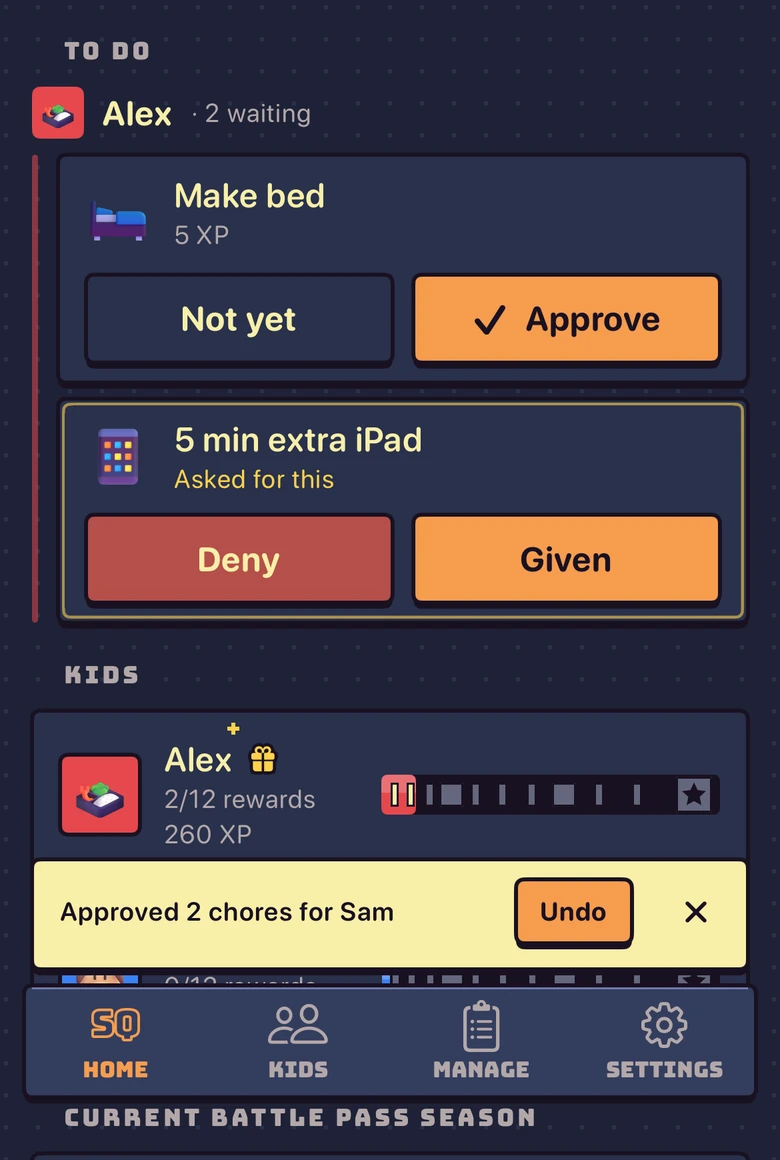
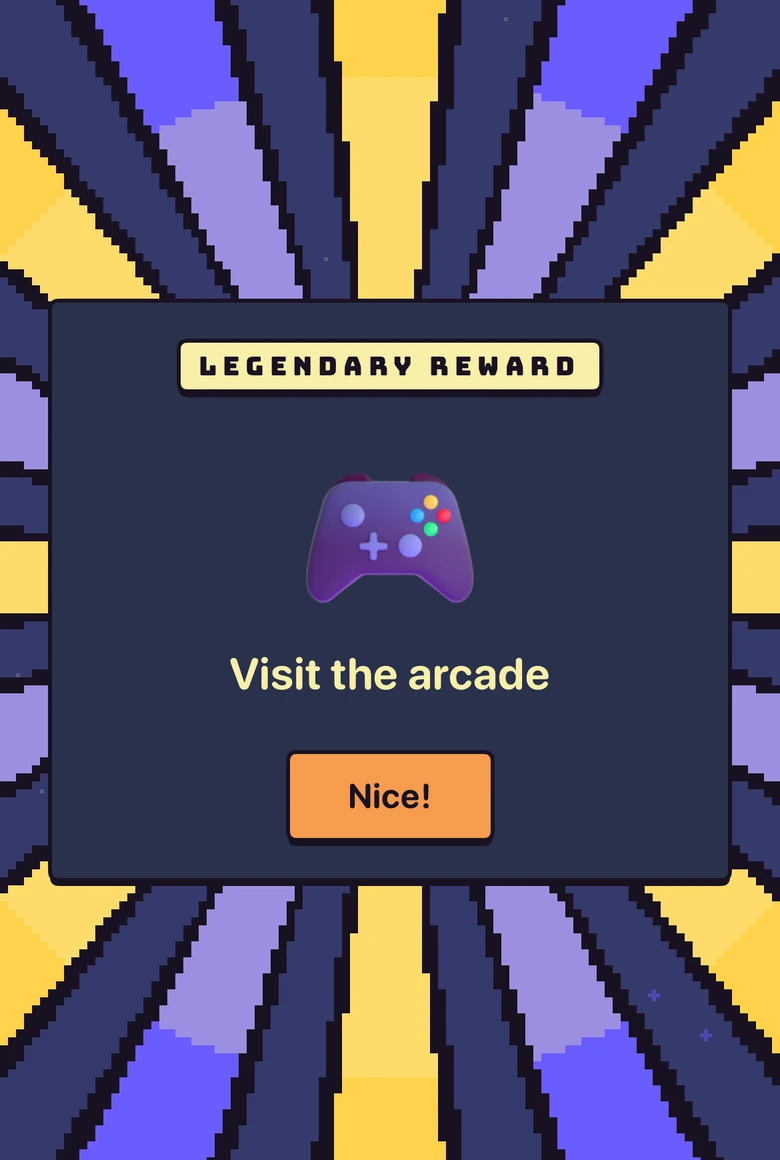
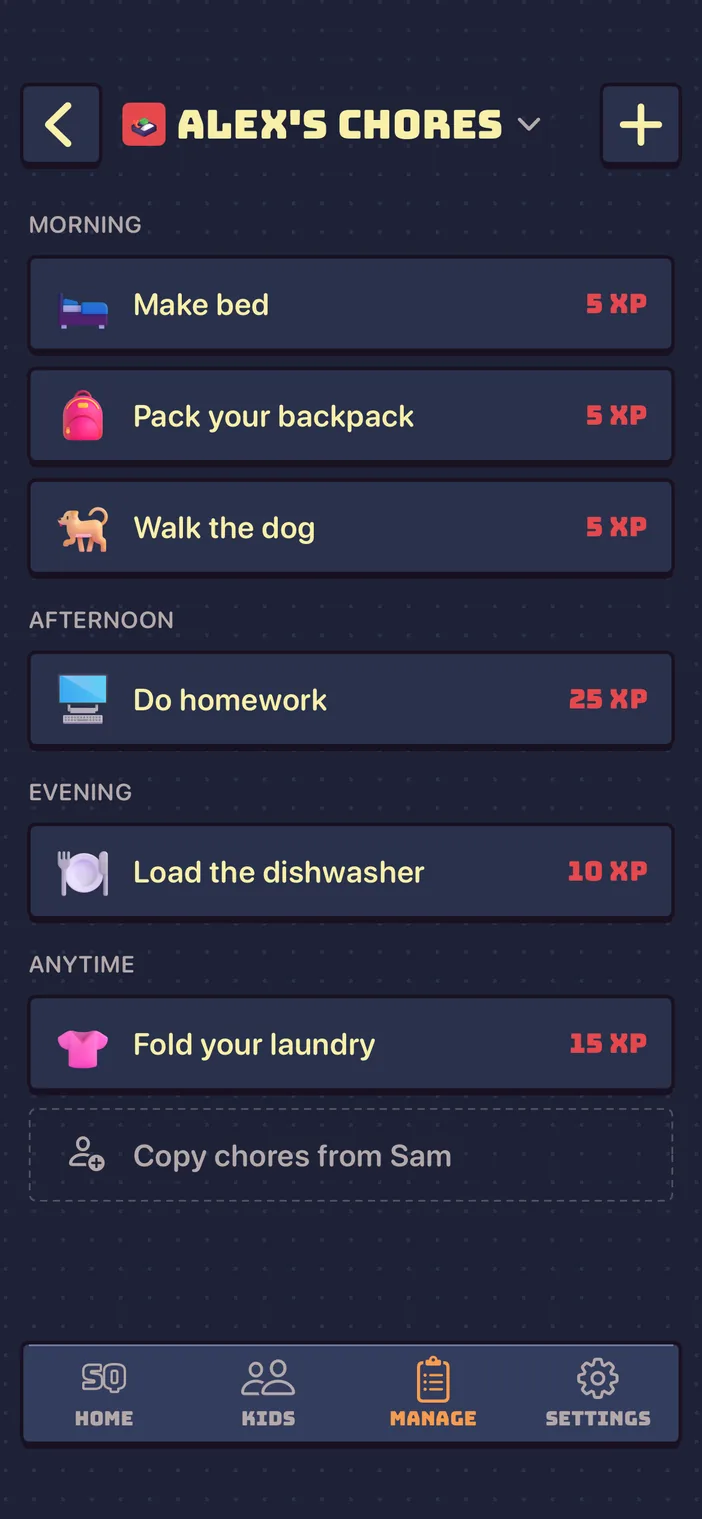
You plan your kids’ chores
Each kid gets their own list, on the days and times that fit your week.
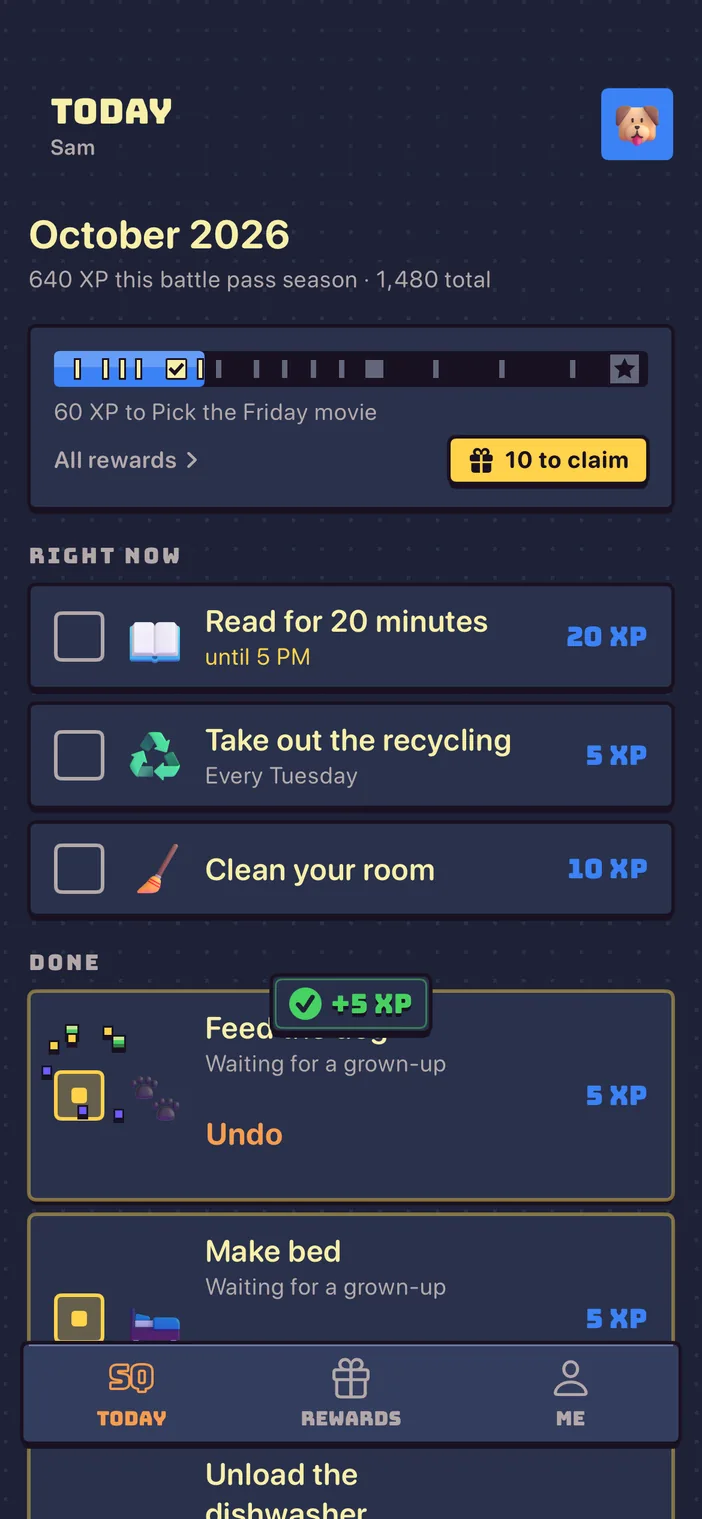
Kids complete daily chores
They check chores off on their own iPhone or iPad, and they earn XP once you approve.
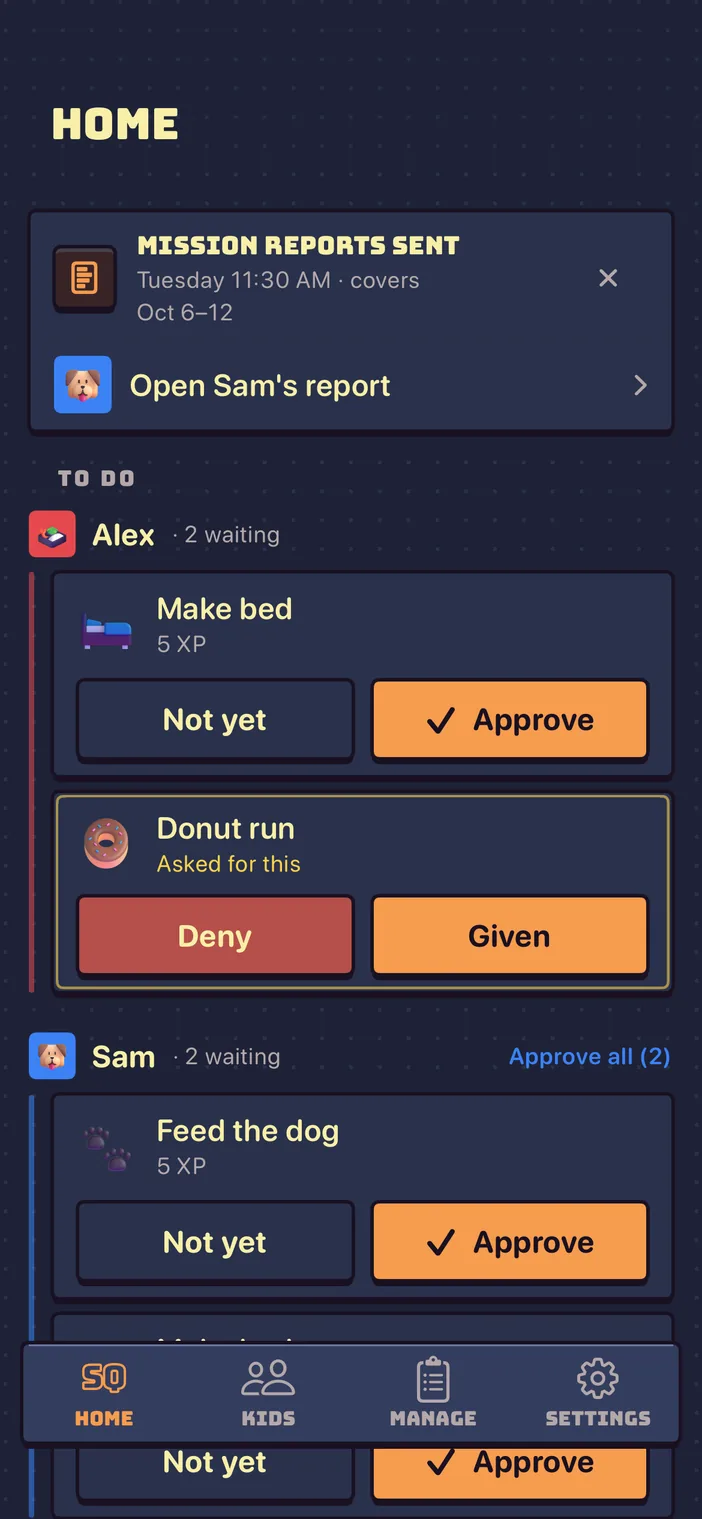
You approve chores
Nothing counts until you approve it. One tap each.
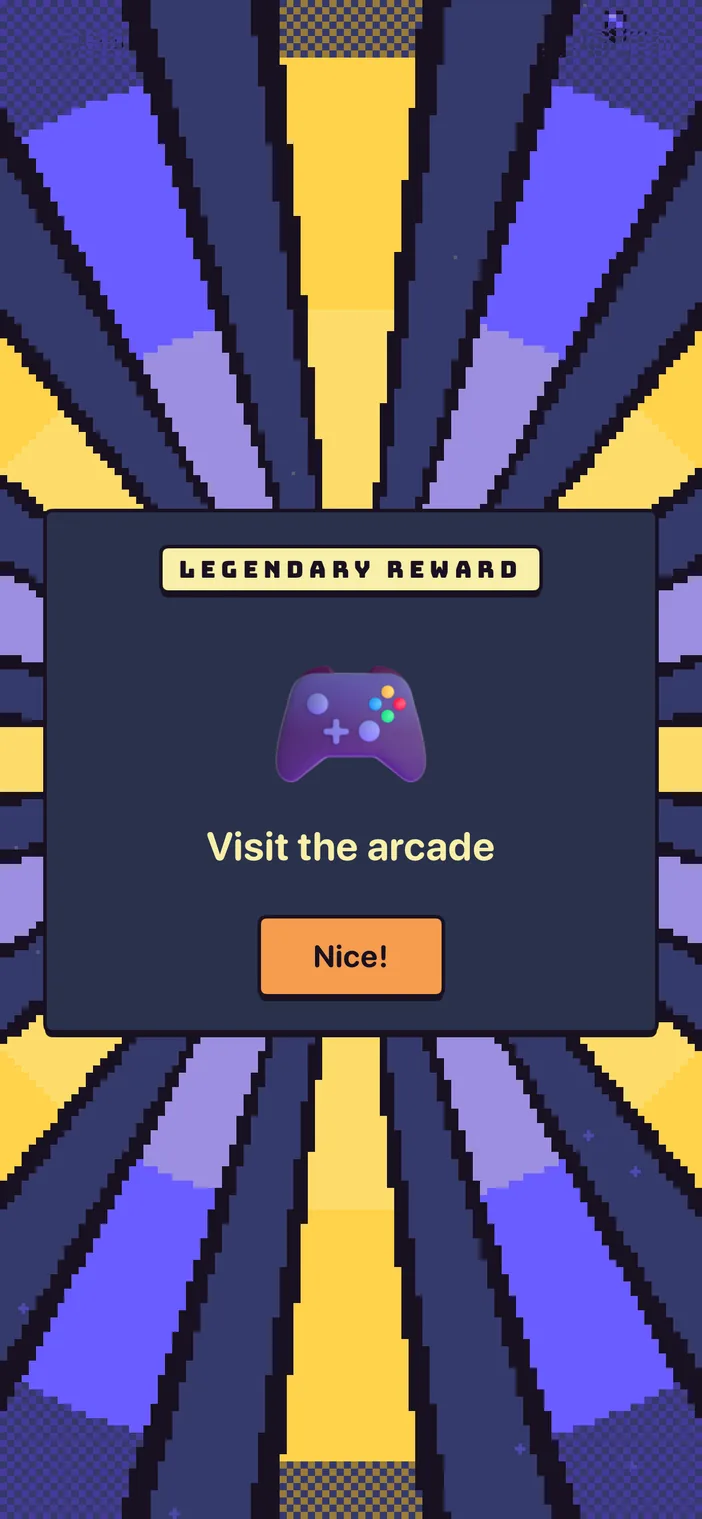
Kids unlock rewards
XP climbs the battle pass season, and each tier unlocks a reward you chose.
Start your first battle pass season
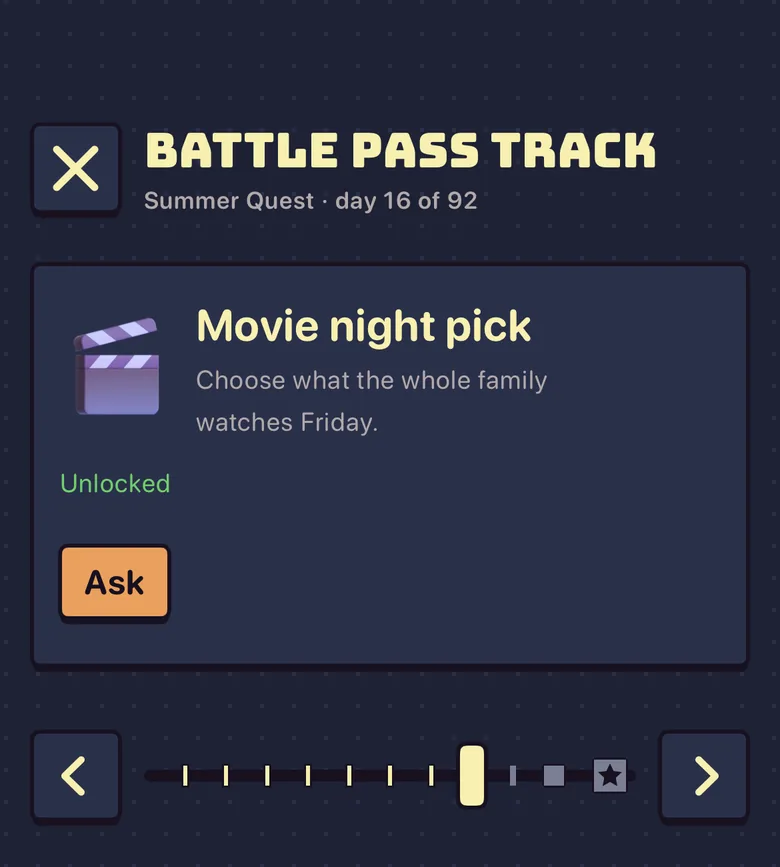
An example battle pass season
XP fills the bar, and each mark is a reward you picked.





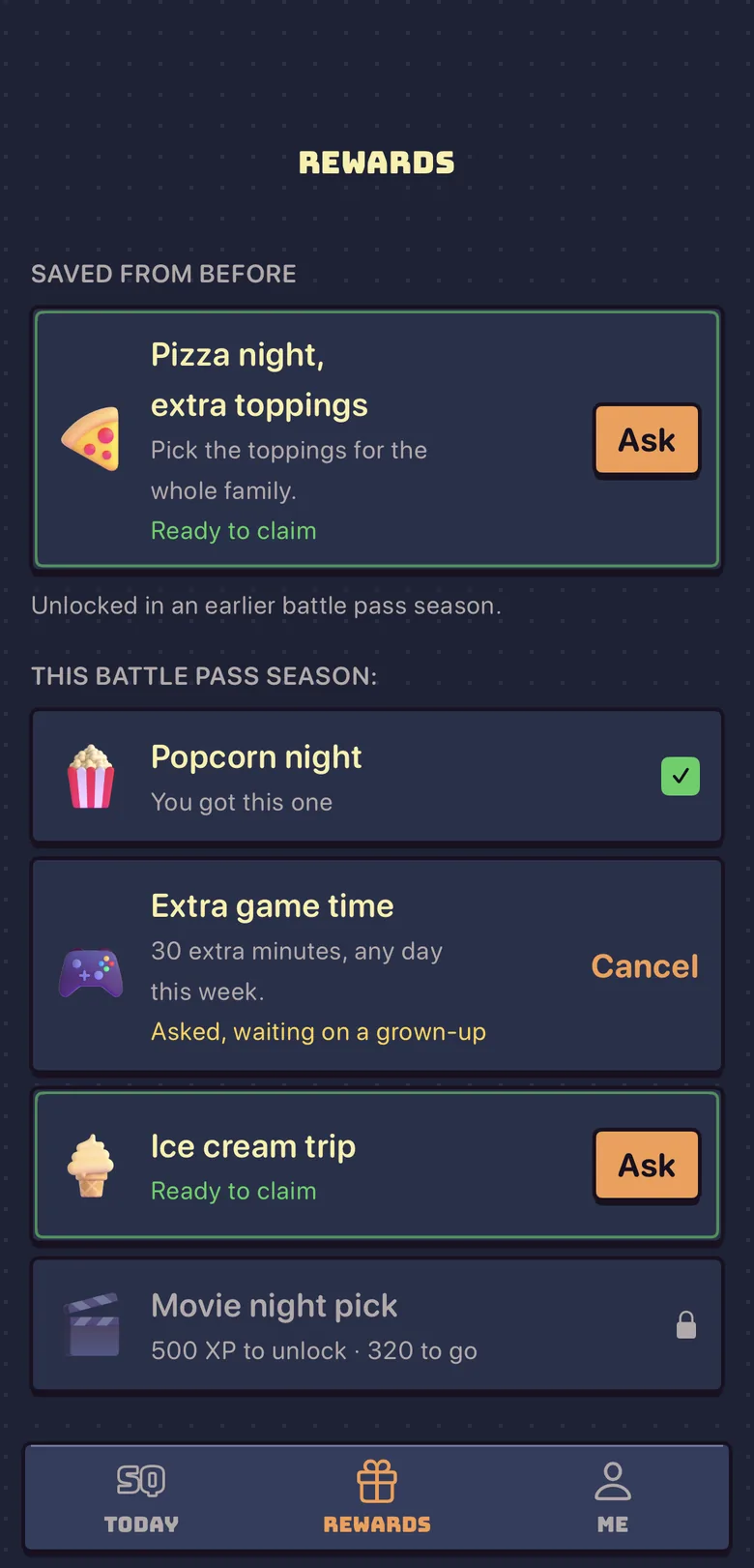
Rewards unlock as XP grows
XP fills the battle pass, and each unlock reveals the reward you picked.
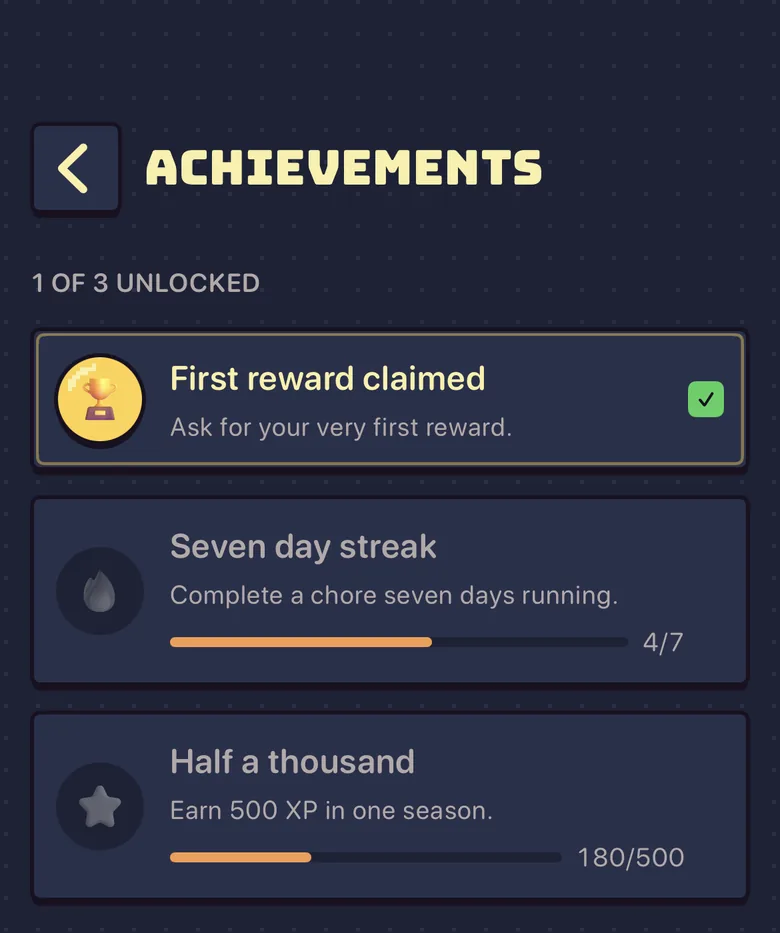
Kids collect achievements
Kids earn medals for the habits you care about.
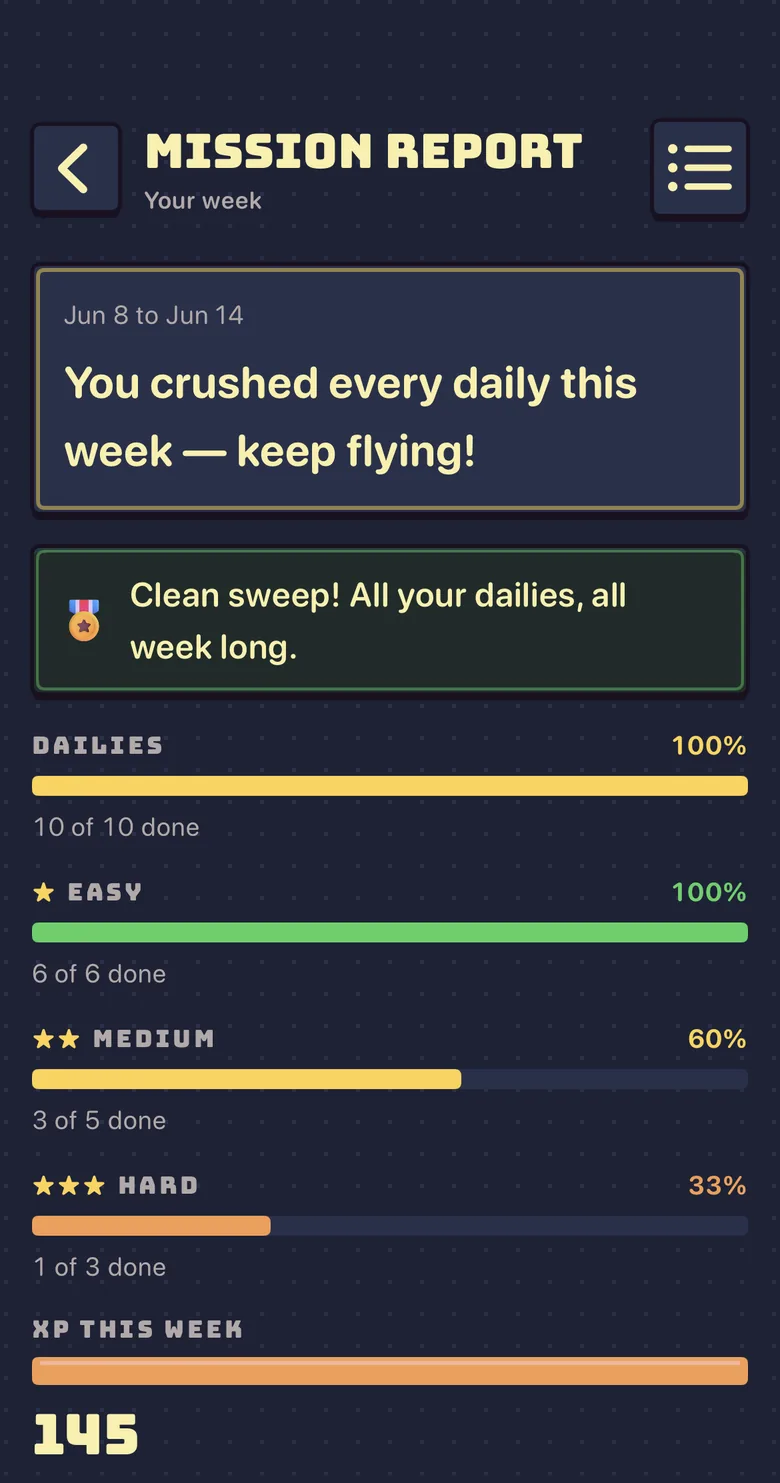
A weekly Mission report
Each week, kids get a Mission report on the day you pick. It lists what got done and what was missed. You see it too.
Mission report
Your week
Jun 8 to Jun 14
New personal best. You're leveling up!
240
380 → 620 XP this week+1 reward this week
Next: Pick the Friday movie at 700 XP
5-day streak of finishing your dailies · best 9
Private and safe for kids
Built for our own two kids and used every day since late May.
You approve everything
A kid can’t approve their own chores, and we ask your permission before we keep anything about a kid.
No ads, no tracking
No ads, no tracking across other apps or sites, and we never sell your family’s information.
No accounts for kids
A kid has no email or password and never signs in. You pair their iPhone or iPad from your phone with a short code.
Only your family sees it
Nothing a kid enters is public. Sidequest doesn’t collect a kid’s location, photo, or contacts, and you can delete everything in the app.
Start free, add Plus for more
| Free |  Sidequest Plus Sidequest Plus | |
|---|---|---|
| Every kid and every chore | Included | Included |
| Battle pass seasons with rewards you choose | Included | Included |
| Built-in achievements | Included | Included |
| Grown-ups | 1 | Up to 4 |
| Rewards each battle pass season | Up to 5 | Up to 200 |
| Repeating rewards | Not included | Included |
| Your own custom achievements | Not included | Included |
| $5.99 a month or $39.99 a yearFirst month free | ||
Plus is optional. New families try it free for a month, then $5.99 a month or $39.99 a year (US; prices vary by region). It renews automatically unless you cancel at least 24 hours before renewal in your Apple Account settings.
More grown-ups
Grown-ups can configure and approve chores, rewards, and more.
Invite a grown-upThey join your familyAdditional grown-upsMore rewards
Up to 5 rewards per season (month) are included free. Plus unlocks up to 200 for greater variety and incentive!
Rewards per battle pass seasonWant to add more rewards?Increase motivation with extra rewards.Repeating rewards
Automatically grant rewards every X days of completed chores. Example: 30 mins of extra tech time every 3 days.
Chores done, day after dayEvery few days, screen time unlocks on its ownEvery few days, on its ownExtra minutes of screen timeGivenExtra minutes of screen timeGivenExtra minutes of screen timeGivenYour own achievements
Provide added celebrations for hitting milestones in the app!
Make your own achievementKids work toward itMade by you, earned by themNew achievementTop dogAchievement unlockedTop dog
Learn more (frequently asked questions)
What is Sidequest?
Sidequest helps you track chores and rewards for your family. You set each kid’s chores and the rewards they can earn. Kids check chores off on their own iPhone or iPad, you approve them, and the XP they earn unlocks rewards across a battle pass season.
How much does Sidequest cost?
Sidequest is free to download. Free covers one grown-up and up to 5 rewards a battle pass season. Sidequest Plus is optional and adds up to 4 grown-ups, up to 200 rewards a battle pass season, repeating rewards, and custom achievements, for $5.99 a month or $39.99 a year in the US, with the first month free for new families. You buy and manage it through your Apple Account, prices may vary by region, and the App Store shows the price before you buy anything.
Can Sidequest replace an allowance?
It can work alongside one or instead of one. Rewards are whatever you choose: screen time, picking dinner, a day out, or pocket money you hand over yourself. Sidequest never moves money.
Can I undo a mistake?
Yes. You can undo a fast mistake and adjust XP up or down.
Does my kid need their own iPhone or iPad?
Kids use Sidequest on their own iPhone or iPad. You pair it from your phone with a short code. No device for a kid yet? You can mark their chores done for them. A kid can’t approve their own chores.
Is Sidequest on Android?
Not yet. Join the wait list at the top of this page to hear when it is.
What happens to my family’s information?
Parents sign in with Apple, there are no ads, and kids have no accounts. Private and safe for kids sums it up, and the privacy policy says what we keep and how to delete it.